
| TL;DR: Manual text reformatting is a productivity killer in the digital age. A professional Case Converter automates the transition between styles, ensuring your copy, code, and metadata remain consistent while drastically accelerating your editing workflow. |
In a fast-paced digital environment, the presentation of your text carries as much weight as the message itself. Whether you are drafting a technical report, writing an ad copy, or naming variables in a codebase, manual retyping to fix capitalization is an inefficient use of time. This is where a Case Converter becomes an essential tool in your digital toolkit.
At Ooptiq, we prioritize business-first architecture, which includes optimizing the small but critical workflows that lead to high-quality output. Understanding the specific type of case converter available to you can transform a tedious editing task into a single-click solution.
Text converters come in various forms, ranging from simple browser-based tools to integrated plugins within code editors and word processors. While some focus on file formats, the most common variety focuses on letter casing. These tools allow users to instantly toggle between an Uppercase converter, a Lowercase converter, and more balanced stylistic options. By automating these shifts, you eliminate the risk of human error and maintain a unified brand voice across all digital platforms.
A comprehensive tool offers several distinct modes to handle different professional requirements. These include:
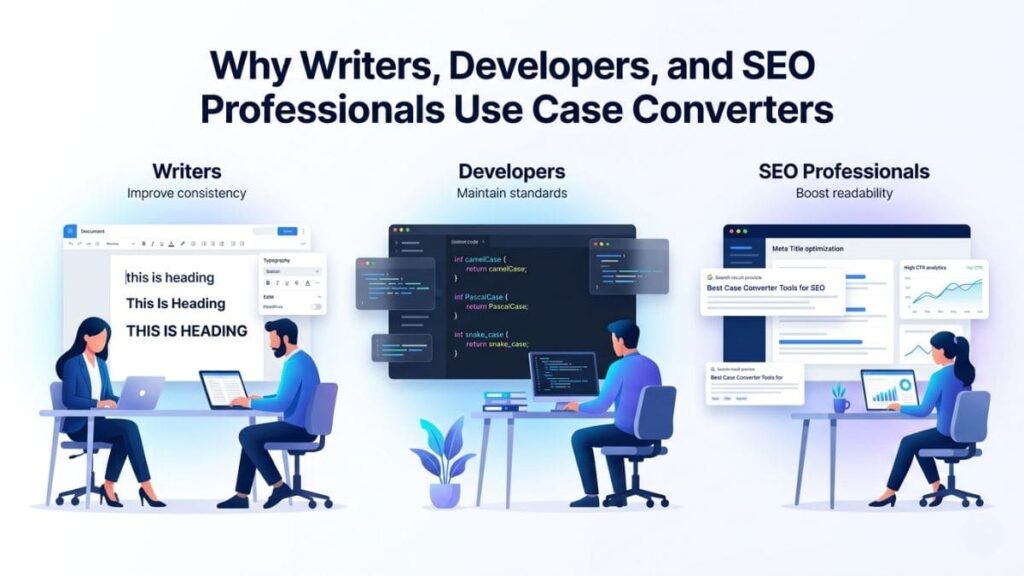
The utility of these tools spans across multiple departments. For writers, it ensures that headings are styled correctly without manual checking. Developers often use specific cases like camelCase or PascalCase to meet strict coding standards. For SEO professionals, a Case Converter is vital for drafting meta titles and descriptions that stand out in search results. Using the right casing can influence click-through rates and ensure that snippets look professional and trustworthy.
The primary difference lies in the visual hierarchy and the intent of the text. Uppercase (ALL CAPS) is used for emphasis or short headlines but can be difficult to read in long blocks. Lowercase is often used in modern branding or technical tags. Sentence case is the standard for body text as it provides the best readability. Title case strikes a balance, offering enough emphasis to signify a new section or a significant headline without the overwhelming nature of full capitalization.
Efficiency is the biggest benefit of using these tools. Instead of manually deleting and re-typing words to change their case, you can process thousands of words instantly. This speed is crucial during the skyscraper writing process , where refining structure and clarity is the priority. By delegating formatting to a Case Converter, you free up mental energy to focus on adding meaningful value and showcasing lived expertise.
At Ooptiq, we believe that intelligent features are built on a foundation of efficient workflows. Mastering the nuances of text presentation is a small step that leads to a much larger impact on your digital authority.
Ready to reclaim your time and sharpen your content? Let’s discuss how we can build custom digital tools and dashboards that keep your team moving at the speed of the modern web.